Short answer: not by default
Uploading a contract to ChatGPT can expose more than the clause you want explained: party names, addresses, signatures, account references, pricing, exhibits and metadata may all travel with the file. Whether that is acceptable depends on your organization's policy, the account and workspace settings, the AI provider's current terms, and any legal or contractual duties that apply.
A safer preparation question is: what context does the AI need for this task? Keep the roles, obligations, dates and amounts that matter, and remove the identity-bearing details that do not.
Remove PII without breaking contract context
Replace repeated parties consistently, for example with [PARTY_A] and [PARTY_B]. Keep the role and relationship visible so the AI can still distinguish buyer, seller, employer, employee, landlord or tenant.
- Replace people, companies, brands and property addresses that are not needed for the question.
- Replace email, phone, bank, tax, case and registration identifiers.
- Review exhibits, schedules, signatures, headers, footers, filenames and embedded images.
- Keep the original file unchanged and work from a separate copy.
Use a local review before the upload
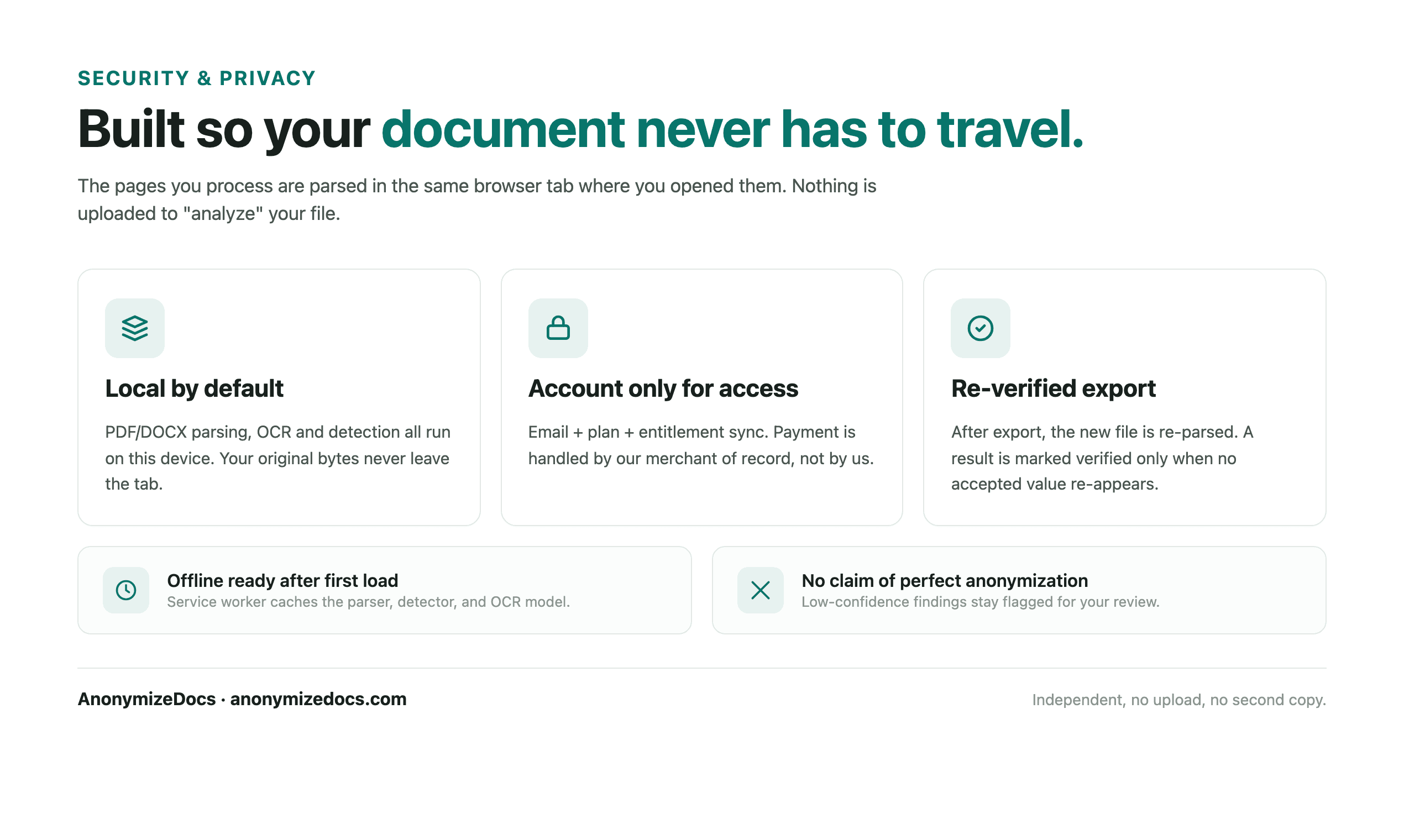
For a PDF or supported DOCX, AnonymizeDocs reads the selected file in the browser, shows candidate findings for your approval, and exports a separate copy. The original document is not uploaded to AnonymizeDocs. Search the exported copy and inspect its pages before sending it to ChatGPT.
For scanned pages, images and complex layouts, OCR and visual review still matter. A completed export is not a guarantee that every sensitive value was found, so do not skip the human check.
- Select the contract locally and wait for analysis to finish.
- Review party names, addresses, account details, signatures and unique project references.
- Export the reviewed copy, then search for known source values and inspect the first page, headers, footers, exhibits and images.
- Upload only the verified copy, and keep the original under your normal document-control policy.
The provider's controls still matter
Local preparation reduces unnecessary identifiers before the AI service receives a file; it does not change the provider's retention, training, access or workspace controls. Review the current settings and terms for the exact account you plan to use, and follow your organization's approval process for client or regulated documents.
A quick decision table
Treat the AI upload as a disclosure decision, not only a document-editing task. If any answer below is unknown, pause and confirm it before sharing the file.
| Question | Before upload |
|---|---|
| Is AI use allowed for this contract? | Check client, employer and confidentiality rules |
| Does the task need the real identities? | Replace parties consistently when it does not |
| Does the copy still contain signatures or exhibits? | Inspect every page and embedded image |
| Are the account controls appropriate? | Review the current provider and workspace settings |
Important: AnonymizeDocs is a document preparation tool, not legal advice or a guarantee that every sensitive value has been found.
Continue exploring
PII removal workflow
Start with a document-level checklist for names, contacts, identifiers and contextual clues.
Redact a PDF before ChatGPT
Prepare a PDF copy and verify the export before sharing it.
Legal professionals
See the client-document workflow.
Local by design
Understand the browser-only workflow.
Local document workspace