Select locally
Choose a PDF or DOCX from this device. It is never sent to AnonymizeDocs.
How it works
Every core step runs on this device. Your document bytes never leave the browser, so you can hand AI a useful copy without handing over the sensitive original.
The workflow
You decide what changes at every step. Nothing is uploaded while you review.
Choose a PDF or DOCX from this device. It is never sent to AnonymizeDocs.
Accept, ignore or edit likely private details before a new copy is created.
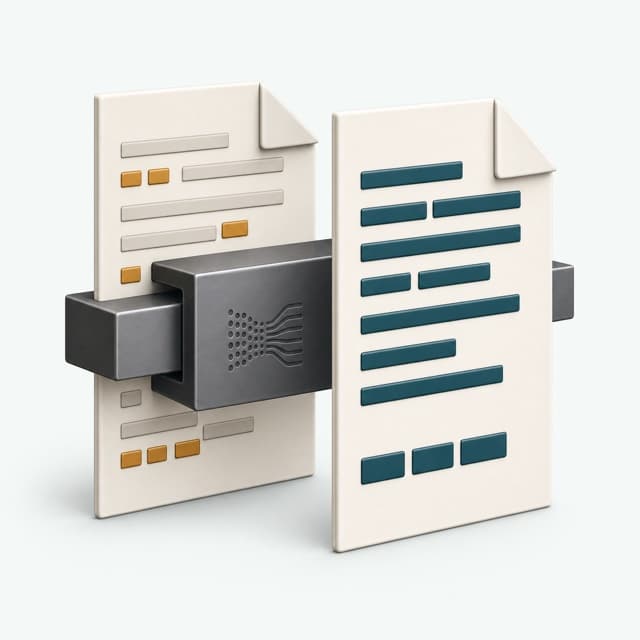
Use consistent placeholders so AI can follow the document's relationships.

Recheck searchable output and show any limitation requiring your judgment.
Privacy boundaries
Clear lines between your document, your account, and what still needs your review.

Original and exported documents, extracted text, findings and mappings do not enter our servers.
Email, plan and credit status support purchases and recovery. Payment data is handled by Creem, our merchant of record.
We recheck searchable output but do not claim every possible identifier has been found.
When you accept a detected detail, AnonymizeDocs can replace it in two modes — you choose per export:
[PERSON_1] or [EMAIL_2]. The structure and relationships stay intact, so the AI can still follow who did what. This is the default for preparing documents to send to a model.Detection covers the kinds of personal and organizational detail that commonly leak into documents sent to AI. Every hit is shown for your review — nothing is changed until you accept it.
After export, the new document is reopened locally and searched for any accepted original value. If one is found, the download is blocked and you are told what slipped through. When it passes, you can download a verification report that records the checks and the counts by type — with no document text or mapping values included.
If you want the same replacements across devices, the mapping vault syncs end-to-end encrypted. The server stores only ciphertext; it never sees your filenames, original values, or the links between them.
Use a repeatable local review before sharing a searchable copy with an AI assistant.
See which names, contacts, organizations and identifiers deserve a manual check before AI upload.
Review PDF, DOCX, scan OCR and embedded image limits before starting.
Ready to try it? Open the workspace — your first documents are free.