Redact vendor evaluations before AI analysis.

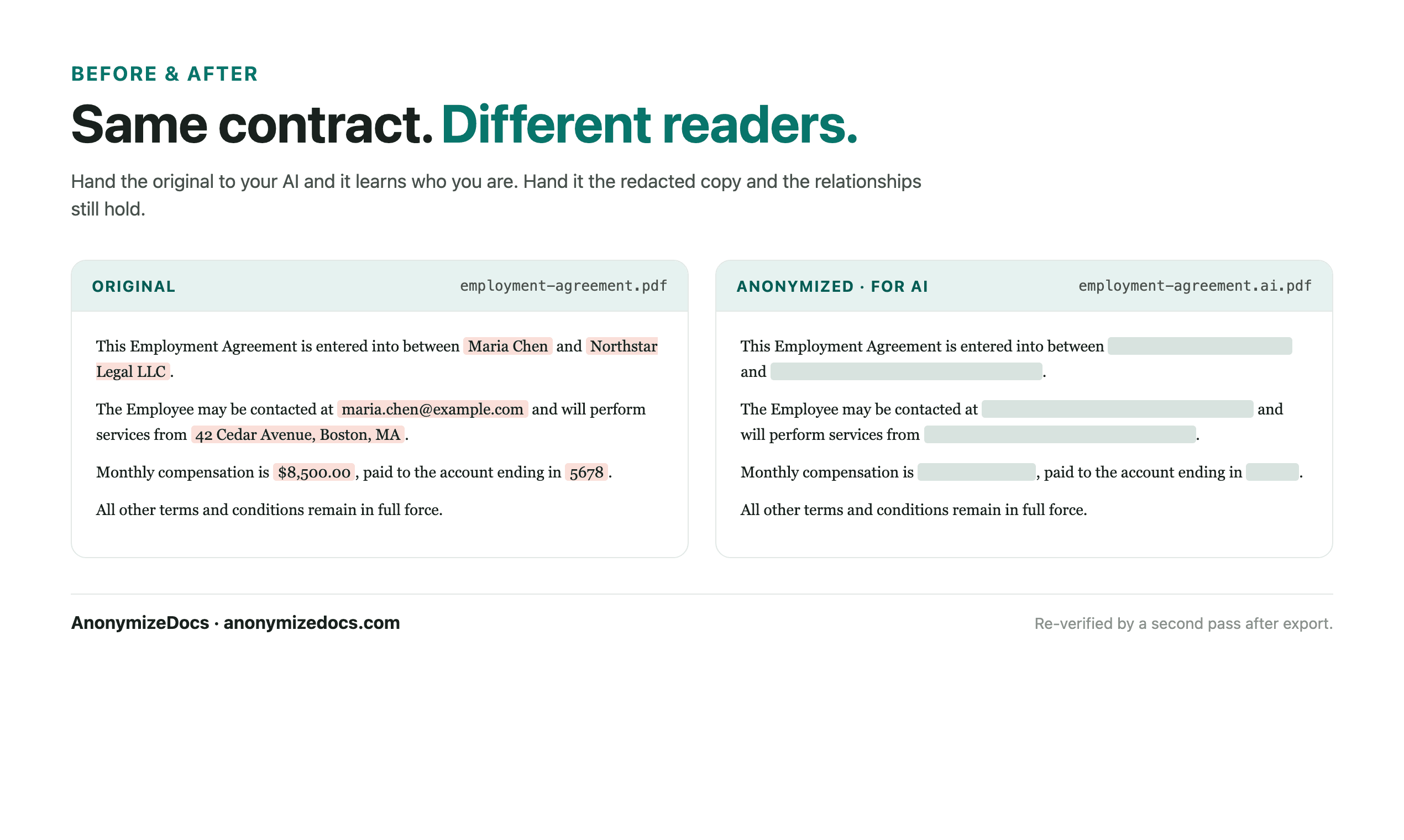
Select the evaluation locally, review vendor identifiers and pricing references, replace accepted values, verify the export, then compare the anonymized copies with AI.

For procurement teams and operations managers comparing vendors with AI.

Try it free

Vendor evaluations contain names, pricing and commercial judgments. AI comparison needs the scores and criteria, not the identities. AnonymizeDocs prepares reviewed copies locally.

Workflow

1. Select the document locally

Choose the PDF or DOCX from your device. The original stays in the browser.

2. Review names and identifiers

Check vendor names, pricing and contact references before anything changes.

3. Keep the content readable

Scores, criteria and dates remain visible while identity-bearing values become placeholders.

4. Verify and export

Recheck the output, download the anonymized copy, then use it with the AI tool.

What gets reviewed

  • Vendor and reviewer names
  • Pricing and discount references
  • Emails, phones and addresses
  • Custom values you add for a specific evaluation

Stays on this device

  • The original document is not uploaded to AnonymizeDocs.
  • Extracted text, findings and replacements remain in the browser session.
  • Account and purchase data are separate from document content.

Limitations: Commercial judgments are sensitive; redaction is a preparation step and does not replace procurement policies.

Frequently asked questions

Can AI summarize a vendor evaluation without company names?

Yes. Company and individual identifiers are replaced with placeholders while terms, dates and numbers remain.

Should commercial references stay visible?

Commercial references are detected as findings; replace them when the AI task does not need the figures.

Is this suitable for corporate records?

Yes, for preparing reviewed copies; final governance and legal review stays with your team.

Continue exploring

Local document workspace

Review your next file in the browser.

Try it free