Anonymize academic transcripts before AI.

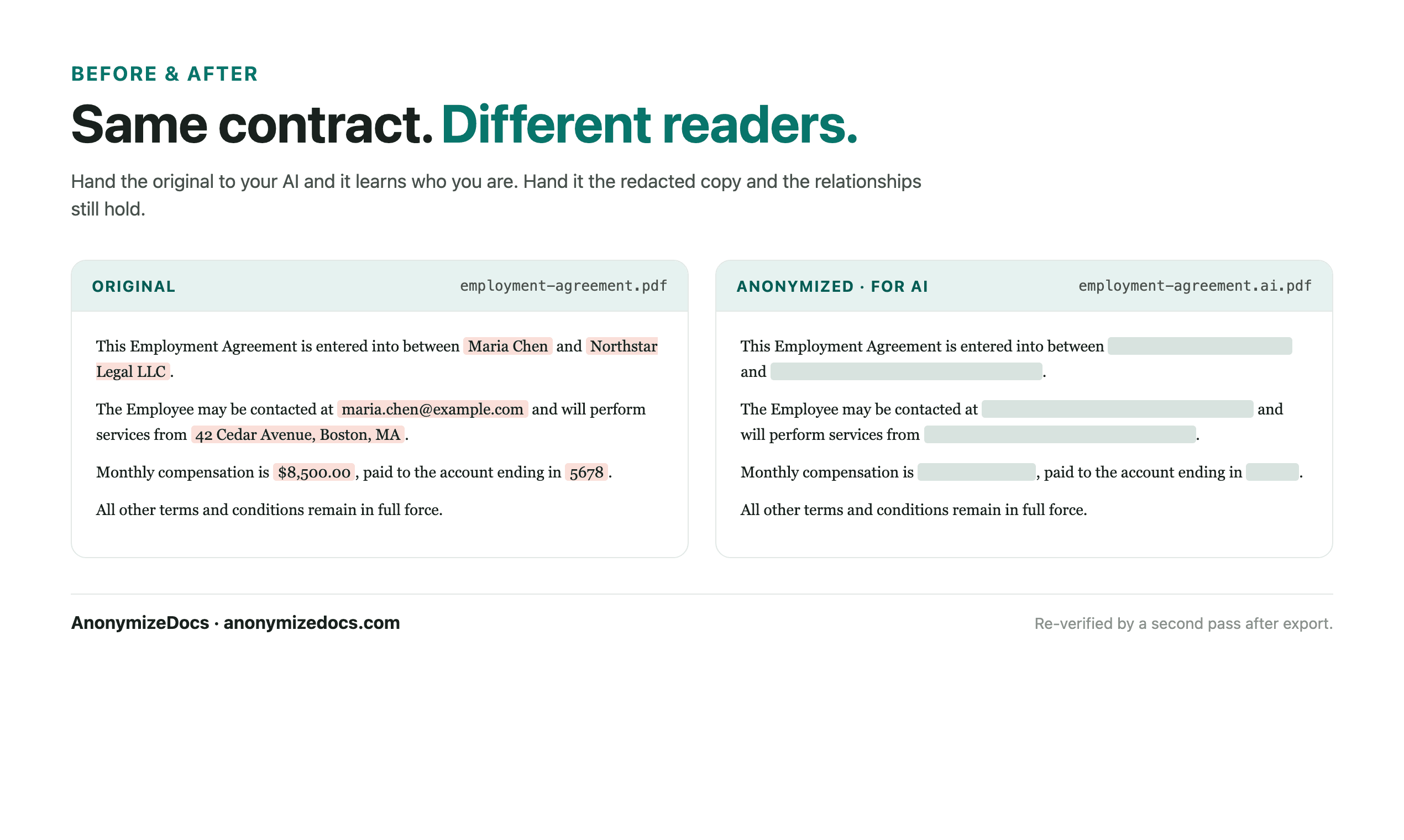
Open the transcript in your browser, review the student name and ID references, replace accepted values with placeholders, verify the export, then use the anonymized transcript with AI.

For admissions staff, researchers and students who analyze transcripts with AI.

Try it free

Transcripts contain grades and course data that are useful to AI, alongside student names and IDs that are not. AnonymizeDocs prepares a reviewed copy that keeps the academic record usable.

Workflow

1. Select the transcript locally

Choose the PDF or DOCX transcript from your device. The original stays in the browser.

2. Review student identifiers

Check names, student IDs, emails and institution references before replacement.

3. Keep courses and grades readable

Course names, credits, grades and GPA remain visible for AI analysis.

4. Verify and export

Recheck the output, download the anonymized copy, then use it with the AI tool.

What gets reviewed

  • Student names and student IDs
  • Emails, phone numbers and addresses
  • Institution and program references
  • Custom values you add for a specific record

Stays on this device

  • The original transcript is not uploaded to AnonymizeDocs.
  • Extracted text, findings and replacements remain in the browser session.
  • Account and purchase data are separate from document content.

Limitations: Scanned transcripts and institution logos may need OCR and image review; no detector guarantees a fully complete result.

Frequently asked questions

Can AI still evaluate grades after redaction?

Yes. Course names, credits, grades and GPA remain visible while student identifiers are replaced.

Can I anonymize transcripts for a batch of applicants?

Yes. Process each transcript locally and download the reviewed copies; no file leaves the device.

Does this remove institution names?

Institution references are detected as findings and can be replaced if your analysis does not need them.

Continue exploring

Local document workspace

Review your next file in the browser.

Try it free